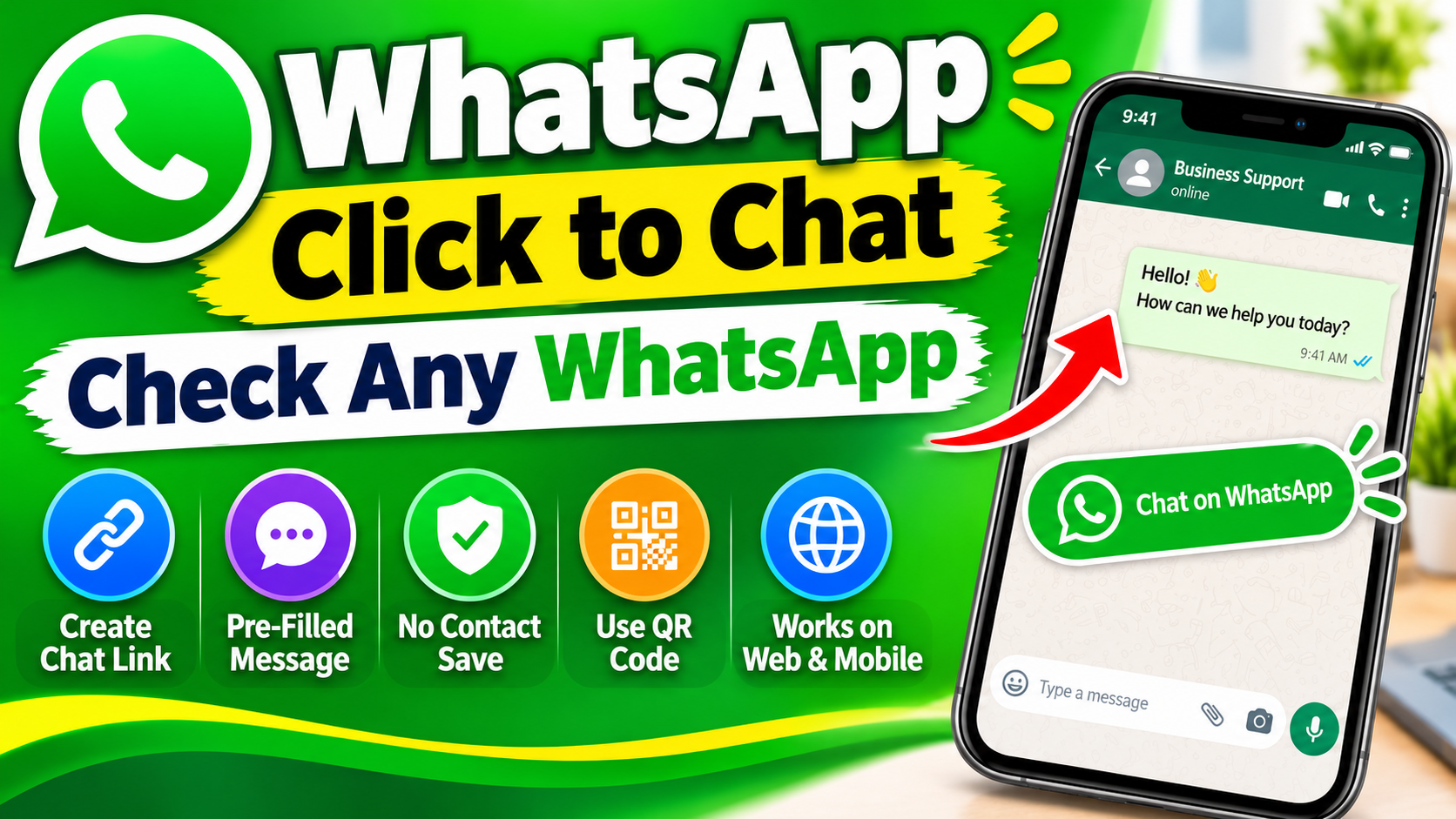
Introduction to WhatsApp Click to Chat
WhatsApp has become one of the most popular messaging platforms in the world. Millions of individuals, businesses, freelancers, and organizations use it every day to communicate with customers, friends, family members, and professional contacts. As digital communication continues to grow, people are looking for faster and easier ways to start conversations without unnecessary steps.
One useful feature that makes communication easier is WhatsApp Click to Chat. This feature allows users to open a WhatsApp conversation with someone simply by clicking a specially created link. The best part is that users do not need to save the other person’s phone number in their contact list before starting a conversation.
Whether you own an online store, manage a website, run a Facebook page, provide customer support, or simply want to share your WhatsApp contact information, Click to Chat can make communication much more convenient.
In this comprehensive guide, you will learn everything about WhatsApp Click to Chat, including how it works, how to create a direct chat link, how to add a pre-filled message, how businesses can use it, and how to troubleshoot common problems.
What Is WhatsApp Click to Chat?
WhatsApp Click to Chat is a feature that allows people to start a conversation with a WhatsApp account through a direct URL.
Instead of manually saving a phone number, opening WhatsApp, searching for the contact, and sending a message, users can simply click a link and open the conversation.
A standard WhatsApp Click to Chat link follows this format:
https://wa.me/1234567890
Here, the number represents the recipient’s complete international phone number, including the country code.
For example, if someone has a Pakistani WhatsApp number, they can create a link using Pakistan’s country code, which is +92.
Example:
https://wa.me/923001234567
This is an illustrative number. Replace it with your actual WhatsApp number.
When someone clicks the link, WhatsApp opens a conversation with the specified number, provided that the number is registered on WhatsApp.
The feature is especially useful for businesses because it removes unnecessary steps between potential customers and the company.
How Does WhatsApp Click to Chat Work?
The working process of WhatsApp Click to Chat is simple. It uses a special URL format that directs users to a WhatsApp conversation.
When a person clicks the link, the browser or device checks whether WhatsApp is available. Depending on the device and installation, it may open the WhatsApp mobile application, WhatsApp Desktop, or WhatsApp Web.
The process generally involves the following steps:
-
A business or individual creates a WhatsApp Click to Chat link.
-
The link is shared on a website, social media profile, advertisement, or other platform.
-
A visitor clicks the link.
-
WhatsApp opens the conversation with the selected phone number.
-
The visitor can type and send a message.
There is no requirement for the visitor to save the number first.
However, clicking the link does not automatically send a message. The user must still choose to send it.
This gives people control over their conversations and makes the feature convenient for everyday communication.
How to Create a WhatsApp Click to Chat Link
Creating a WhatsApp direct chat link does not require technical knowledge, programming skills, or any special software.
You can create one manually in just a few seconds.
Step 1: Get Your WhatsApp Phone Number
First, identify the WhatsApp number you want people to contact.
Make sure you have the correct country code and phone number.
For example:
-
Pakistan: +92
-
India: +91
-
United States: +1
-
United Kingdom: +44
-
United Arab Emirates: +971
-
Saudi Arabia: +966
Step 2: Remove Unnecessary Characters
When creating a WhatsApp link, enter the phone number in international format.
Remove the following:
-
Plus (+) sign
-
Spaces
-
Brackets
-
Dashes
-
Other special characters
For example:
Incorrect format:
+92 300-1234567
Correct format:
923001234567
Step 3: Add the Number to the WhatsApp URL
Use the following format:
https://wa.me/YourPhoneNumber
Replace YourPhoneNumber with your complete international phone number.
For example:
https://wa.me/923001234567
Step 4: Test Your WhatsApp Link
Copy the generated link and paste it into your browser.
If the number is registered on WhatsApp and the URL is correctly formatted, the WhatsApp conversation should open.
You can now share the link with customers, friends, or website visitors.
How to Create a WhatsApp Link With a Pre-Filled Message
One of the most useful features of WhatsApp Click to Chat is the ability to include a pre-filled message.
A pre-filled message is a message that appears automatically in the chat box when someone opens your WhatsApp link.
The visitor does not need to write the message from scratch. They can edit it or send it directly.
For example, an online store might want customers to start a conversation with:
“Hello, I would like to know more about your products.”
To create this type of link, use the following format:
https://wa.me/923001234567?text=Hello%2C%20I%20would%20like%20to%20know%20more%20about%20your%20products.
The text portion must be URL-encoded. Spaces are generally represented by %20, while punctuation and other special characters may also require encoding.
Benefits of Pre-Filled Messages
Pre-filled messages offer several advantages:
1. Saves Time
Customers do not need to think about what to write. They can start the conversation immediately.
2. Improves Customer Experience
A ready-made message makes the communication process easier, especially for people who are visiting a business website for the first time.
3. Helps Identify Customer Inquiries
Businesses can create different messages for different services.
For example:
-
Product inquiry
-
Order information
-
Customer support
-
Appointment booking
-
Price quotation
4. Makes Marketing Campaigns More Effective
Businesses can use different pre-filled messages in different advertisements to understand which campaign is generating inquiries.
WhatsApp Click to Chat for Businesses
WhatsApp Click to Chat is particularly useful for small businesses, online stores, service providers, freelancers, and digital marketers.
Customers increasingly prefer direct communication when they have questions about a product or service.
A WhatsApp link provides a simple way to connect potential customers with a business representative.
Let’s explore some practical business applications.
1. Add WhatsApp Links to Your Website
If you operate a website, adding a WhatsApp Click to Chat link can make customer communication easier.
You can place the link in several locations:
-
Website header
-
Contact page
-
Product pages
-
Footer section
-
Customer support page
-
Floating WhatsApp button
For example, an online clothing store can add a button saying “Chat With Us on WhatsApp.”
When visitors click it, they can directly ask questions about clothing sizes, product availability, delivery charges, and payment methods.
2. Use WhatsApp Links on Facebook
Facebook is an important marketing platform for businesses.
If you manage a Facebook business page, you can use a WhatsApp link to help visitors contact you directly.
You can share the link in:
-
Facebook page descriptions
-
Posts
-
Promotional graphics
-
Product advertisements
-
Page contact information
This can help reduce the distance between discovering a product and asking questions about it.
3. Add WhatsApp Links to Instagram
Instagram is widely used by brands, influencers, creators, and online businesses.
A WhatsApp link in your Instagram bio can provide a direct communication channel for followers.
For example, a beauty products business can write:
“Want to place an order? Contact us directly on WhatsApp.”
The link takes interested visitors to a WhatsApp conversation.
4. Use WhatsApp Links in Google Business Profiles
Businesses can also use appropriate WhatsApp contact links in their online presence, where supported by the platform’s available contact options.
This allows potential customers to reach a business without searching manually for its phone number.
5. Use WhatsApp Links in Email Marketing
Email marketing campaigns can include WhatsApp Click to Chat links.
For example, a company sending promotional emails can include a contact link for customers who need more information about a special offer.
This provides another communication channel besides email replies.
WhatsApp Click to Chat vs. Traditional Phone Numbers
Traditional phone numbers require users to save a contact or manually enter the number before starting a conversation.
WhatsApp Click to Chat simplifies this process.
Here is a comparison:
| Feature | Traditional Number | Click to Chat |
|---|---|---|
| Save contact first | Often required | Not required |
| Direct conversation | Manual steps | One click |
| Shareable online | Yes | Yes |
| Pre-filled message | No | Yes |
| Website integration | Possible | Easy |
| Social media integration | Possible | Easy |
For businesses that receive inquiries through digital platforms, a direct WhatsApp link can provide a more convenient experience.
How to Create a WhatsApp Click to Chat Button for a Website
If you have a website, you can create a clickable WhatsApp button using a small amount of HTML.
This is particularly useful for bloggers, website owners, freelancers, and online businesses.